
Home Owner's Manual Writing & Work Access & Usage

Change Is Happening

Your material, made into something of your own.

Write an article from your notes. Build a small tool from a brief. Kalamos brings writing and project work into one desktop workspace.

Explore what you can do ↓

ONE WORKSPACE

Two ways to work.

Choose the space that fits the task in front of you.

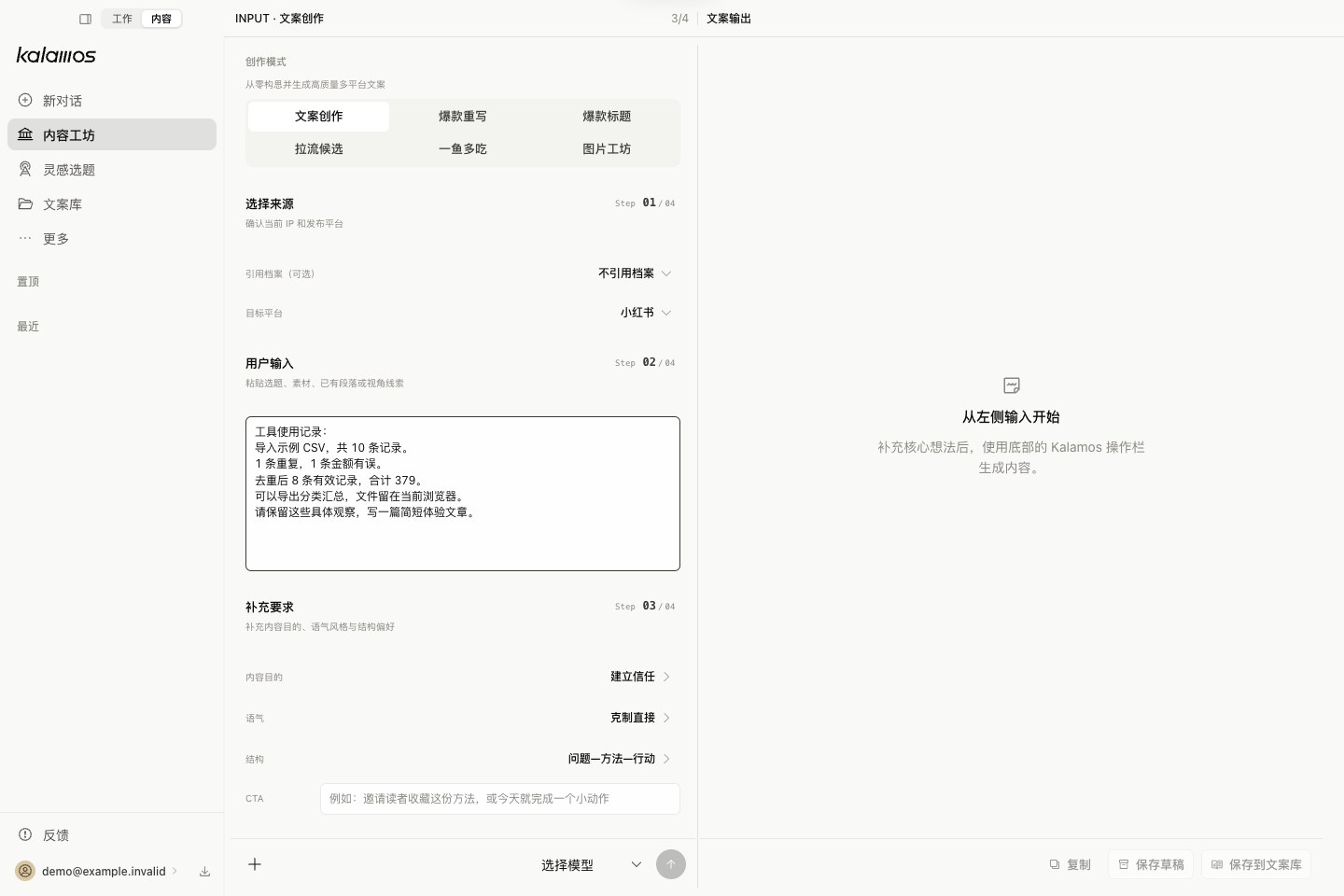
Kalamos writing workspace with input and draft side by side
Interface preview · Sample material

01 / WRITING

Start with what you have.

Bring notes, an existing draft, or reference material. Make a first draft, find a better structure, and keep the version you want to develop.

  • Draft, rewrite, find titles, and adapt formats.
  • Choose the context for each conversation.
  • Edit and save useful pieces to your library.
Explore writing →

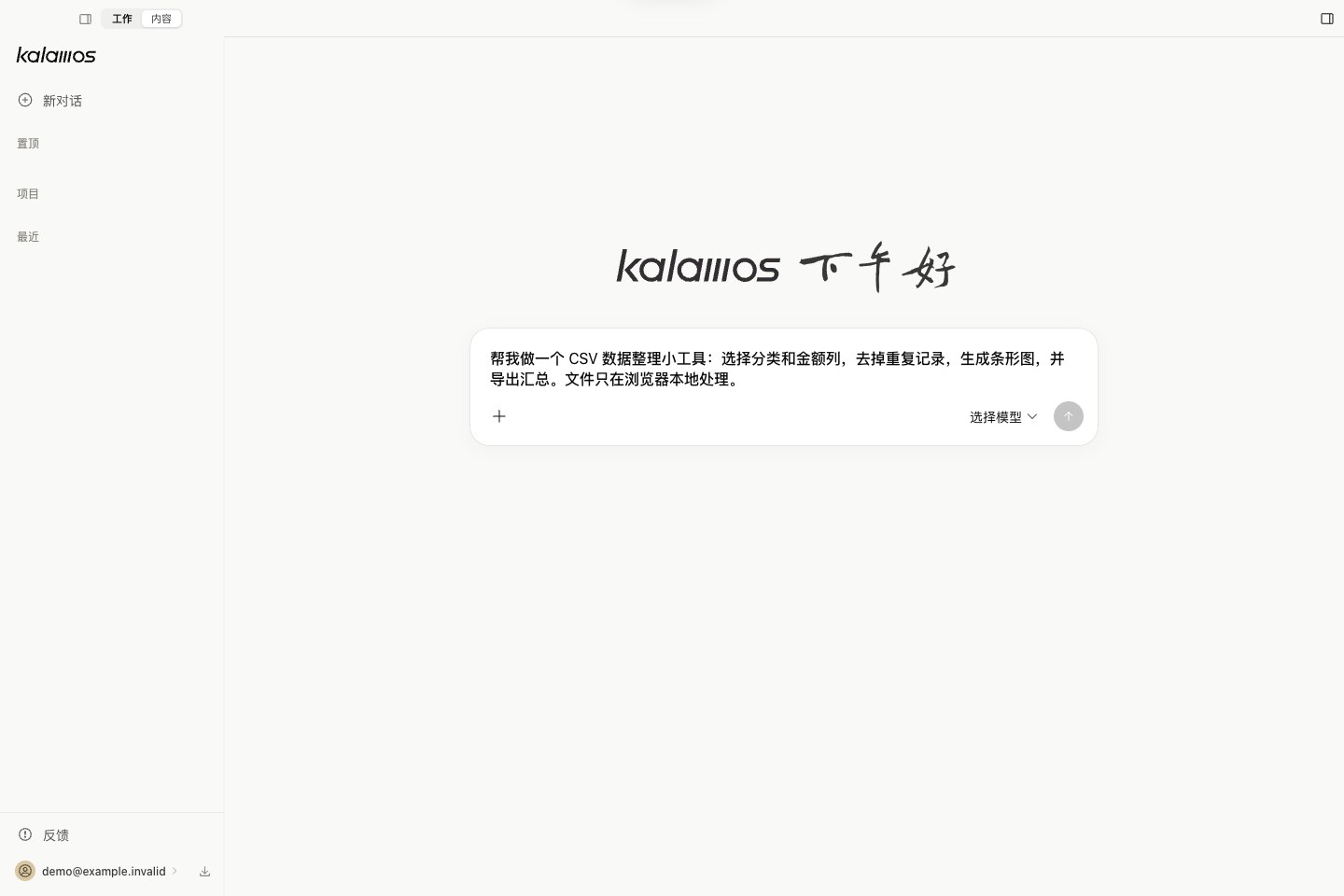
02 / PROJECT WORK

Give an idea a working form.

Choose a project folder and describe the result you need. Work through files, build a page, or make a tool you can open and use.

  • Keep the conversation with its project.
  • Review file changes and tool actions.
  • Decide what files and actions to allow.
Explore project work →

WAYS TO USE KALAMOS

Start with a task of your own.

Two starting points for your own notes and everyday work.

MODEL CONNECTIONS

A model that fits the task.

Use available Kalamos platform models, or bring a supported API or subscription connection. Check the source, capability, and usage before you begin.

Read about connections →Access and usage →

KALAMOS FOR MACOS

Bring something you want to make.

Read the guide →